Talk To Our Engineer,Get a Solution In 20 Minutes

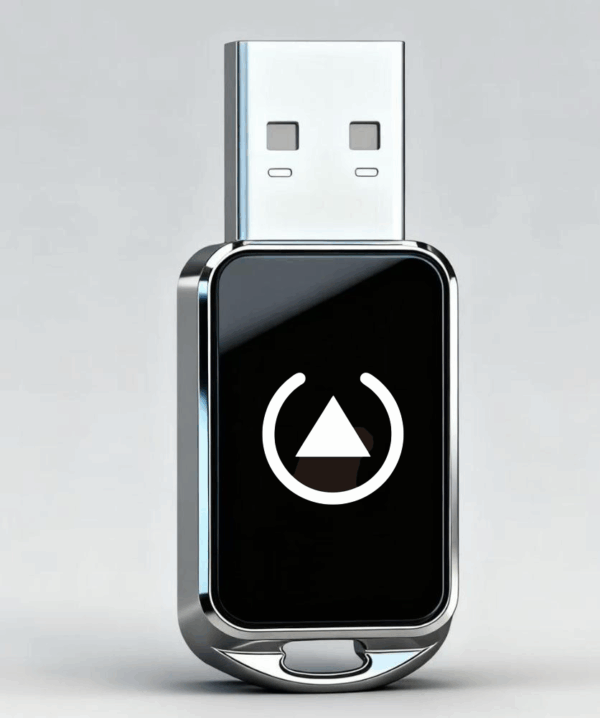
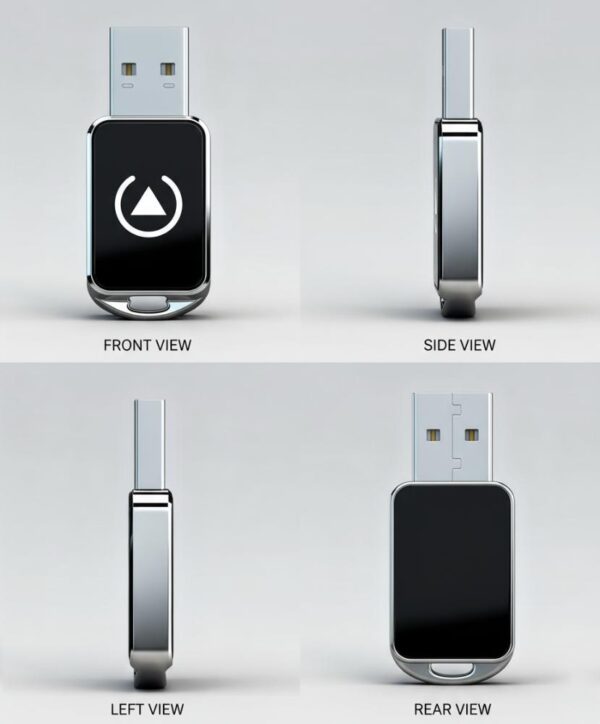
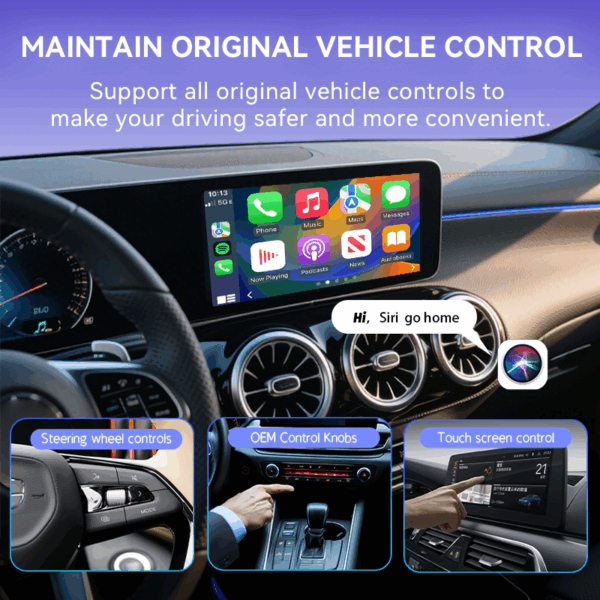
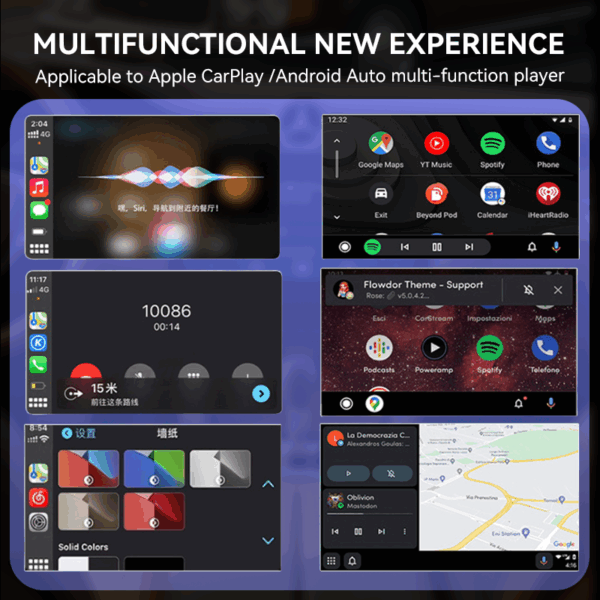
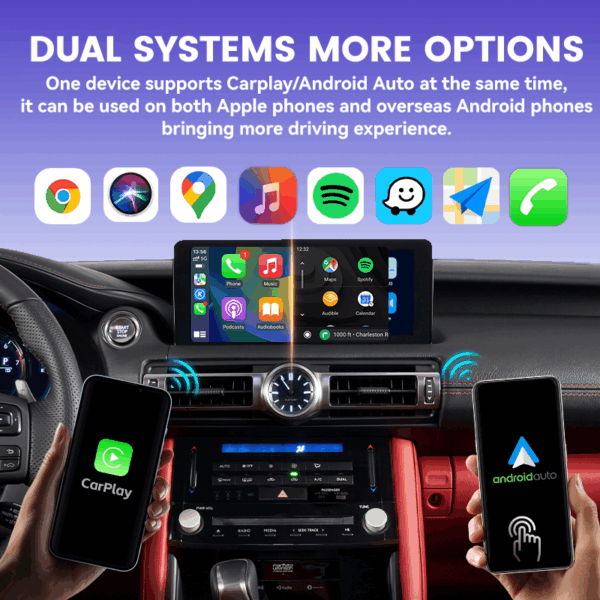
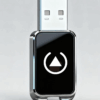
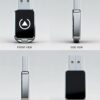
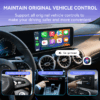
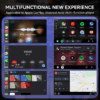
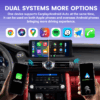
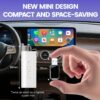
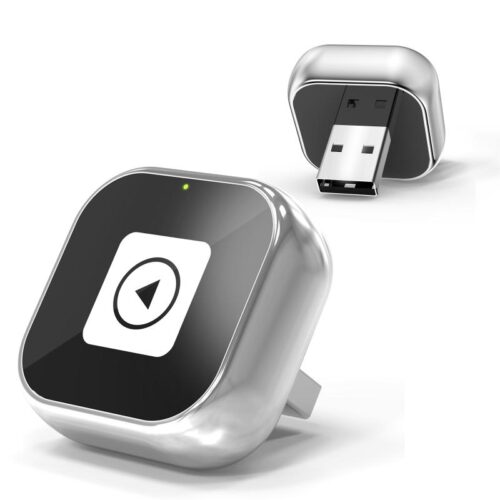
Mini Wireless CarPlay Adapter For iPhone Android Audio Dongle
Product description
Support system: Android(11+) and iPhone(ios 10+)
Connection: Bluetooth(5.0 and above)/WiFi(2.4)
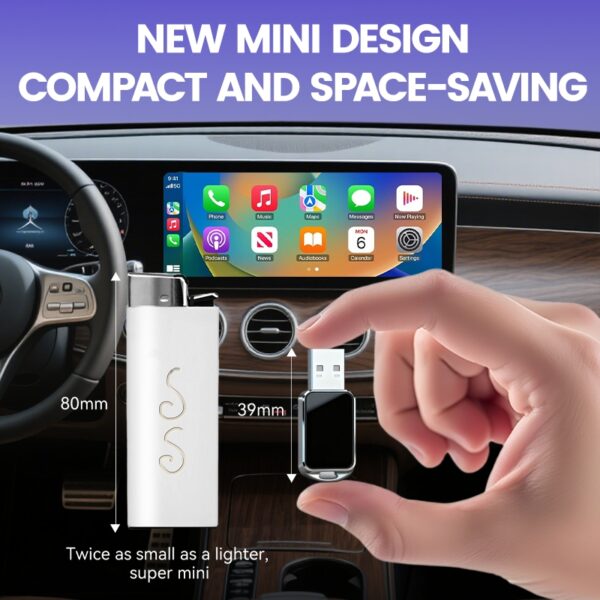
Size: 39*19mm
Input voltage: DC/5V 0.75w
iPhone (Wireless CarPlay) — Quick Start
Before you begin
Your car head unit must support Apple CarPlay via USB.
Turn on your iPhone and make sure Bluetooth and Wi-Fi are enabled.
Setup (first time)
-
Plug in the adapter
Connect the adapter to the car’s USB data port (use the included data cable if needed). Wait 10–20 seconds for the device to power on. -
Enable iPhone services
On iPhone, ensure Wi-Fi and Bluetooth are ON. (No need to join any network manually.) -
Pair over Bluetooth
On iPhone: Settings → Bluetooth → select SmartBox-XXXX (or similar). Tap Pair and allow contacts/notifications if prompted. -
Allow CarPlay
When the “Use CarPlay” prompt appears, tap Use CarPlay / Enable. The CarPlay interface will load on your car screen.
Daily use (after first setup)
Start the car → iPhone Bluetooth/Wi-Fi on → the adapter auto-connects → CarPlay opens in ~5–15s.
Android (Wireless Android Auto) — Quick Start
Before you begin
-
Your car head unit must support Android Auto via USB.
-
On your phone, update Android Auto (Google Play) and enable Wi-Fi and Bluetooth.
Setup (first time)
-
Plug in the adapter
Connect the adapter to the car’s USB data port (use the included cable if needed). Wait 10–20 seconds for power-up. -
Enable phone services
Confirm Wi-Fi and Bluetooth are ON. -
Pair over Bluetooth
On your phone: Settings → Bluetooth → scan and select SmartBox-XXXX. Confirm pairing and allow contact/media access. -
Start Android Auto
Follow on-screen prompts on the car display and phone to Allow Android Auto permissions. The Android Auto interface will appear.
Daily use (after first setup)
-
Start the car → phone’s Bluetooth/Wi-Fi on → adapter auto-connects → Android Auto launches in ~5–15s.